PDF tools
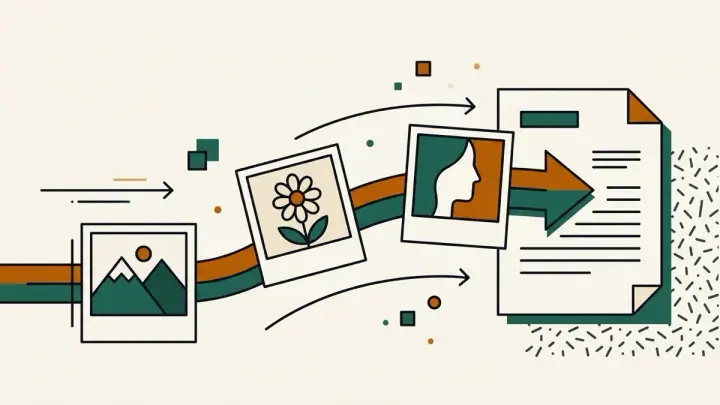
Images to PDF
Turn JPG, PNG and other images into one PDF, one image per page. Drag to set the page order, choose A4, US Letter or a page that matches each image, and set the margin. JPG and PNG files are embedded without recompression, everything runs in your browser, and there is no watermark or signup.
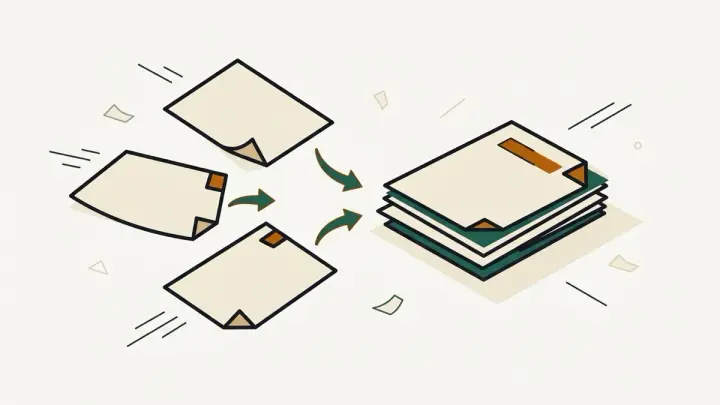
PDF Merge
Combine several PDF files into one document in your browser. Drag to reorder, see each file's page count, and download the merged PDF. Files are never uploaded, there is no file-count limit from us, no watermark and no signup.
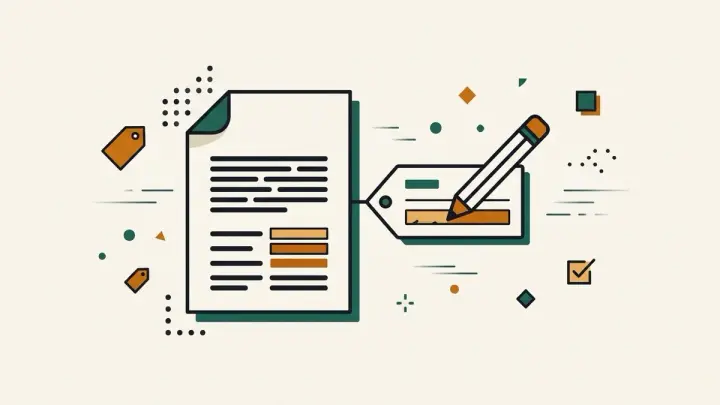
PDF Metadata Editor
View and edit a PDF's Title, Author, Subject and Keywords — the document properties most PDF viewers show — right in your browser. Clear a leftover author name before sharing a file, or fill in proper metadata for a document you're publishing. Nothing is uploaded, no watermark, no signup.

PDF Page Delete & Reorder
Remove pages you don't need and drag the rest into a new order, all in your browser. See each page's original number as you work, then download the result. Nothing is uploaded, no watermark, no signup.

PDF Page Rotator
Rotate any page — or every page — of a PDF by 90, 180 or 270 degrees, right in your browser. Pick pages individually, so a scanned document with a mix of upright and sideways pages can be fixed in one pass. Nothing is uploaded, no watermark, no signup.

PDF Split
Split a PDF or pull out just the pages you need, right in your browser. Extract selected pages into one file, split by ranges into separate PDFs, or cut every N pages — multiple results download as one ZIP. Nothing is uploaded, and there is no watermark or signup.

PDF Watermark Adder
Stamp a text watermark — CONFIDENTIAL, DRAFT, your own wording — across every page of a PDF, right in your browser. Choose a single centered mark or a tiled diagonal pattern, and control color, opacity, size and angle. Nothing is uploaded, no watermark of ours is added, no signup.
From the blog
Rotate PDF pages online without uploading the file
Fix a sideways scanned page or a whole document turned the wrong way — rotate individual pages or all of them, entirely in your browser, with no daily limit.
2026-09-24 Delete and reorder PDF pages in one pass, without uploading
Drop the pages you don't need and drag the rest into the right order on a single screen — no server upload, no daily task limit, no login to download the result.
2026-09-24 Add a text watermark to a PDF without uploading it
Stamp CONFIDENTIAL, DRAFT or your own wording across every page — single or tiled — with control over color, opacity, size and angle, entirely inside your browser.
2026-09-24 Edit a PDF's title, author and other metadata online
Clear a leftover author name before sharing a file, or add a proper title so it doesn't just show a filename — a free tool most PDF sites simply don't offer.
2026-09-24 Merge PDF files without uploading them, and without a daily limit
Popular online PDF mergers cap how many tasks you can run and upload your files to their servers. Here is how to combine PDFs in your browser instead, in the order you want.
2026-09-21 Extract pages from a PDF or split it by range, without uploading it
How to pull out a few pages, cut a PDF into chapters, or split it every N pages using page-range syntax — all inside your browser, with a single ZIP for the results.
2026-09-21 JPG to PDF: combine multiple images on A4 pages with the margins you want
Turn photos and scans into one PDF with the page order, page size and margins you choose — and without your images leaving your device.
2026-09-21