Image tools
Batch Image Processor
Resize and convert dozens of images at once, entirely in your browser — no upload, no account, no daily limit — then download them all as a zip or one by one.
Face Analyzer
Free face shape and proportion analyzer that runs entirely on-device — upload a photo or use your camera, and an open-license face-landmark model estimates your face shape, eye spacing, and other structural proportions. No beauty score, no upload, nothing saved.
HEIC to JPG Converter
Convert iPhone HEIC/HEIF photos to JPG, PNG, or WebP entirely in your browser — no upload, no ads, no file limit. Drop in several photos at once and download each one, with a quality slider and live before/after size comparison.

Image Color Balance Filter
Adjust an image's Red, Green, and Blue channels independently with manual sliders — no AI auto-correct guessing what you want, so you can deliberately push a color cast rather than fight one.
Image Compressor
Compress JPEG, PNG, and WebP images entirely in your browser with a quality slider and a live before/after file size comparison. No upload, no file count limits.
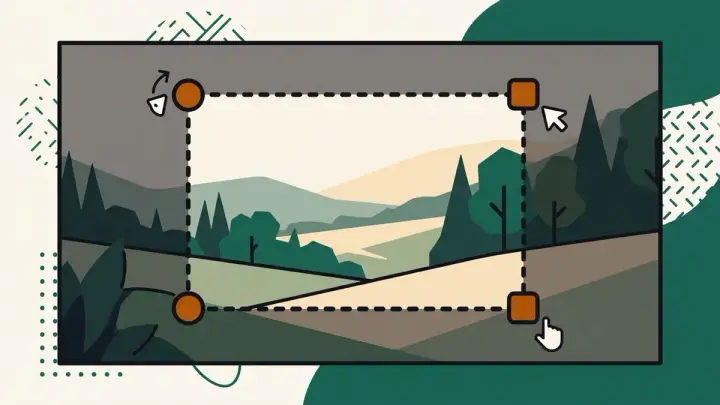
Image Cropper
Crop an image right in your browser — drag to select the area, pick a preset ratio (1:1, 4:3, 16:9) or go freeform, and download. No upload limit, no watermark: your photo never leaves your device.
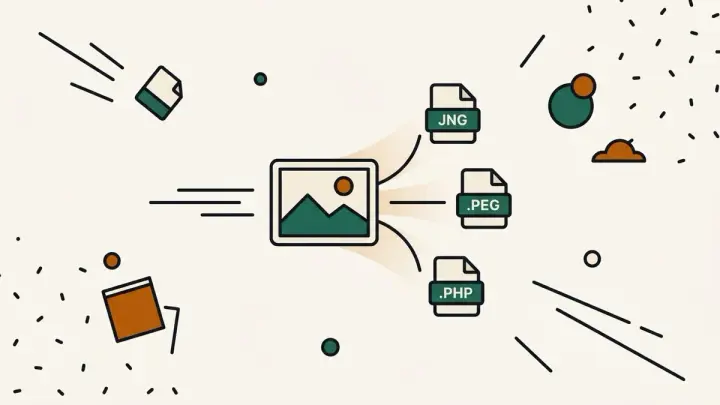
Image Format Converter
Convert images between PNG, JPEG, WebP, and AVIF entirely in your browser — no upload, no daily conversion limit, with a live before/after file size comparison.
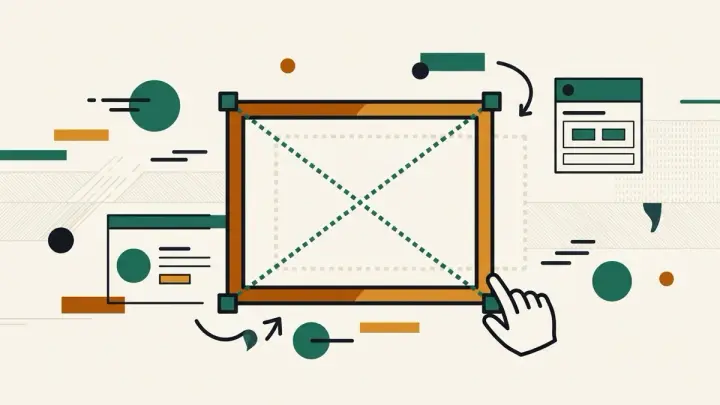
Image Resizer
Resize an image to exact pixels or a percentage — aspect ratio is locked by default so you can't accidentally stretch a circle into an oval, unlike tools where that protection is an easy-to-miss opt-in toggle.

Image Rotator
Rotate an image by 90°, 180°, or a free -45° to 45° angle to straighten a tilted shot — the canvas auto-expands so corners are never clipped, unlike tools that crop whatever spills past the original frame.
Instagram-Style Photo Filter
Apply 6 Instagram-style preset filters with an intensity slider to blend the effect strength, plus brightness/contrast fine-tuning on the same screen — 100% client-side, no watermark, no login.
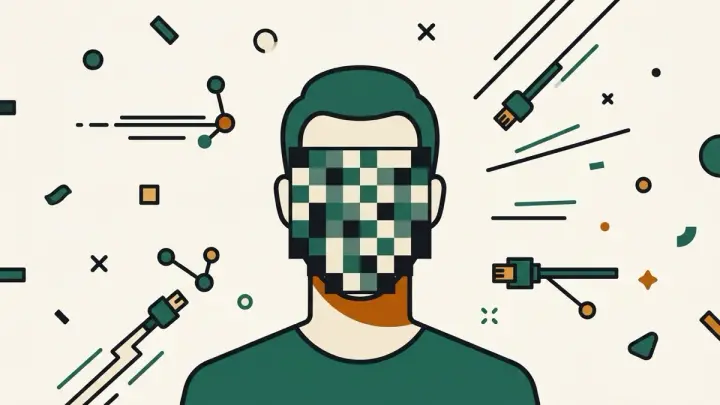
Photo Censor / Face Pixelator
Automatically detect and pixelate or blur every face in a photo, entirely in your browser — no upload, no watermark, no signup. Missed a face? Drag to add a manual censor box.
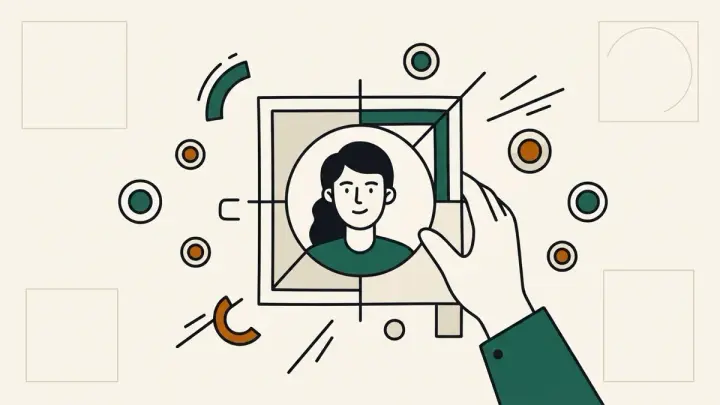
Profile Picture Maker
Crop your photo to a circle or square, add a border and background color, and export it at the exact pixel size each platform wants — LinkedIn, X, Discord, GitHub, Facebook — all in your browser, no upload, no watermark.
From the blog
Converting PNG to WebP shouldn't require uploading the photo you're trying to keep private
Many online format converters cap free daily conversions or upload every file to a server first. This one converts PNG, JPEG, WebP, and AVIF entirely in the browser, with a live file-size comparison for each format.
2026-09-20 How to resize and convert a whole folder of images without a monthly credit limit
iLoveIMG caps free bulk processing at 2500 credits a month, and Bulk Resize Photos sometimes ships images that don't actually match the pixel size you asked for. This tool processes an unlimited batch in the browser, with exact-size and fit-within-max modes and a real zip download.
2026-09-20 Why 'free' face blur tools still upload your photo to a server
iLoveIMG's face blur makes you select each face by hand in a group photo, and Watermarkly's free tier stamps a logo on the result. We built one that detects faces automatically and never leaves your browser.
2026-09-20 The right size for a LinkedIn, Discord, or GitHub profile picture (and a maker that won't watermark it)
Checked against each platform's own guidance, here's the actual pixel size LinkedIn, X, Discord, GitHub, and Facebook want — plus a circle/square cropper that never uploads your photo or adds a watermark.
2026-09-20 Why your iPhone photos won't open on Windows, and how to convert them without uploading them anywhere
Most free HEIC converters upload your photos to a server and only output JPG, with no quality control. This one converts entirely in the browser, in JPG, PNG, or WebP, with a quality slider and no ads between conversions.
2026-09-20 Most online image compressors upload your photo to a server first — even for a quick shrink
Checked directly, popular free image compressors process files server-side, which means a batch limit (often 20 images at a time) and your photo leaving your device even for basic quality-slider compression. This one runs entirely in the browser instead.
2026-09-19 Every "photo color correction" tool wants to auto-fix your colors with AI. Sometimes you don't want that.
Checked directly, the popular free photo color tools lead with a one-click AI "Auto Fix" button, and manual RGB channel sliders (if they exist) are buried deeper in the menu. This tool skips AI entirely.
2026-09-18 Instagram-style filter tools online are usually all-or-nothing. This one has an intensity slider.
Checked a few free Instagram-style filter sites directly — filters apply at one fixed strength, so if a filter is too strong for a photo, the only option is trying a different filter. This tool blends intensity from 0 to 100%.
2026-09-18 "Lock aspect ratio" shouldn't be a checkbox you have to remember. So it isn't, here.
Forget to enable it on most resizers and circles become ovals, faces stretch. This one locks aspect ratio by default — you have to deliberately turn it off to distort an image.
2026-09-14 Rotate a photo 15° to straighten a horizon, and some tools quietly crop the corners. This one expands the canvas instead.
Any rotation off a 90° step pushes corners past the original frame. This rotator auto-expands the canvas so nothing outside the frame gets clipped — plus a free -45° to 45° slider some tools skip entirely.
2026-09-14 Some free image croppers cap you at 10 images a day. Ours has no server in the loop, so there's nothing to cap.
A daily processing limit only exists because a tool is uploading your photo to a server. This one crops entirely in your browser with the Canvas API — no upload, so no limit and no watermark either.
2026-09-09 We built a face shape analyzer with no beauty score, on purpose
Most 'AI face analyzer' sites hand you an arbitrary attractiveness number and call it science. We show structural proportions instead — and your photo never leaves your browser.
2026-09-01